Membership

FAQ: Event Registration for Member Only Events

December 4, 2025

You can self-register for Partners in Diversity events. To register as a member, you first need to sign in to your account. There are two ways to register. Please follow these steps to register.


Registering directly on the registration page

  1. Find the event you would like to register for on our website. You can do this by clicking on the program (Breakfast for Champions, Lunch and Learn, etc) in the “Programs” tab. Scroll down until you see the event. If there is no event listed, there is not an upcoming event for the program. Another way to view upcoming programs is through “Programs” tab and select “Event Calendar”.
  2. When you are on the registration page, click the orange “Register >>” button.
  3. You will be brought to the registration form. Please fill out your email in the “Email Address” field. Your first and last name will auto populate. This does not log you in. To fully log in, please select “Login Now”.
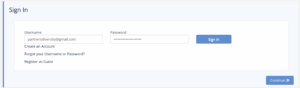
  4. Fill in the username and password fields and select “Sign In”.
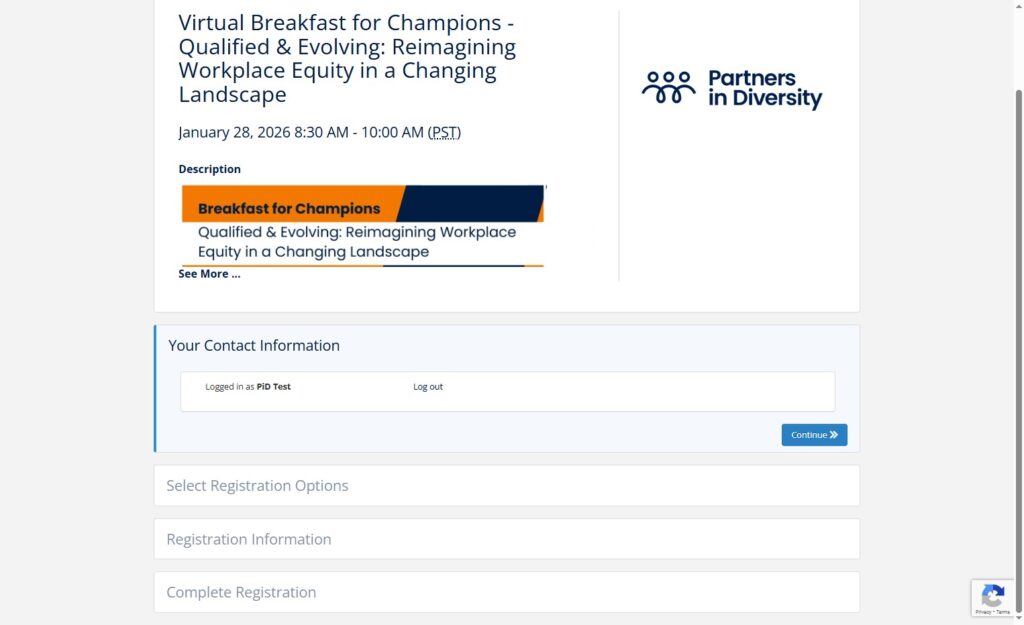
  5. You can then select “Continue” and register for the event.
  6. Follow the remaining prompts to register. A confirmation email will be sent to the registrant.

Registering through the member portal

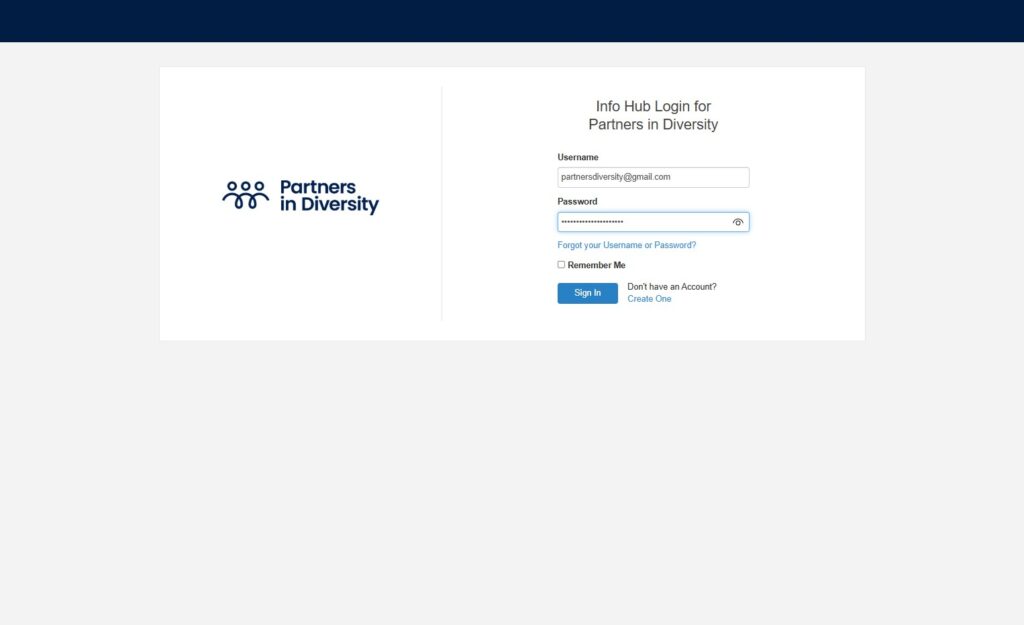
  1. Navigate to https://www.partnersindiversity.org/ or https://my.partnersindiversity.org/MIC/Login
  2. Click “Login” in the upper right corner of the site
  3. Enter your username and password to sign in
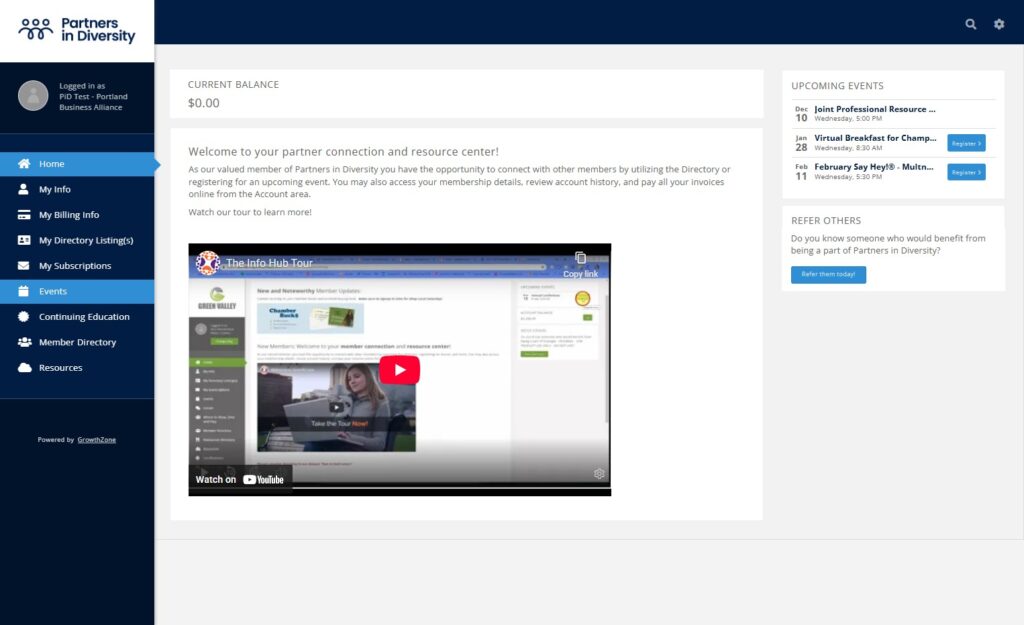
  4. Click “Events” in the left column or jump to “Upcoming Events” in the right column
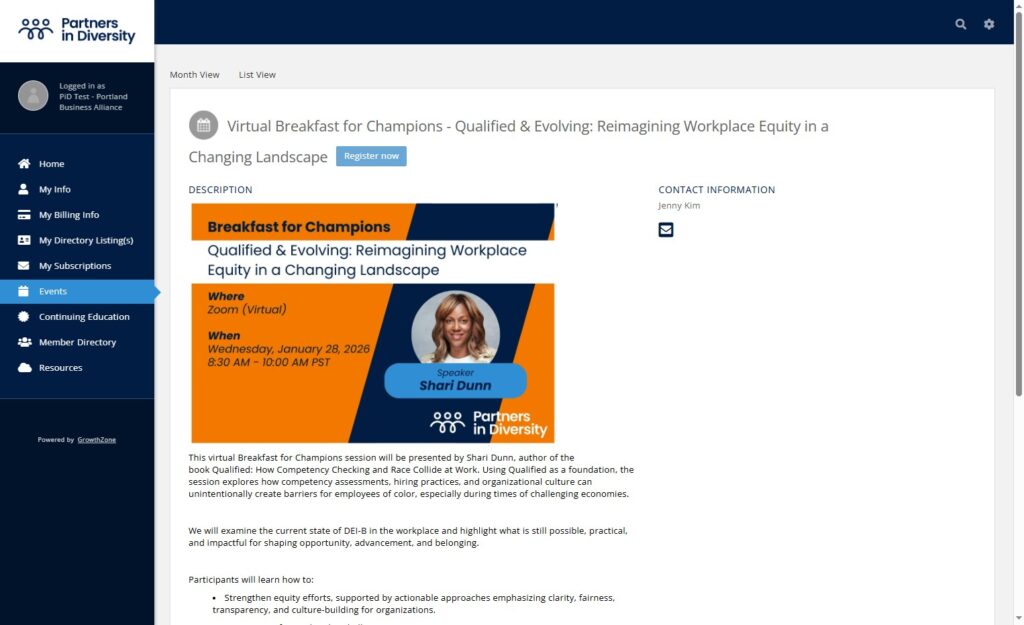
  5. Navigate to the event you want and select it
  6. Click “Register now”
  7. If your contact information is correct, click “Continue.” 
  8. Follow the remaining prompts to register. A confirmation email will be sent to the registrant.

Need more help? Contact us at hello@partnersindiversity.org.